
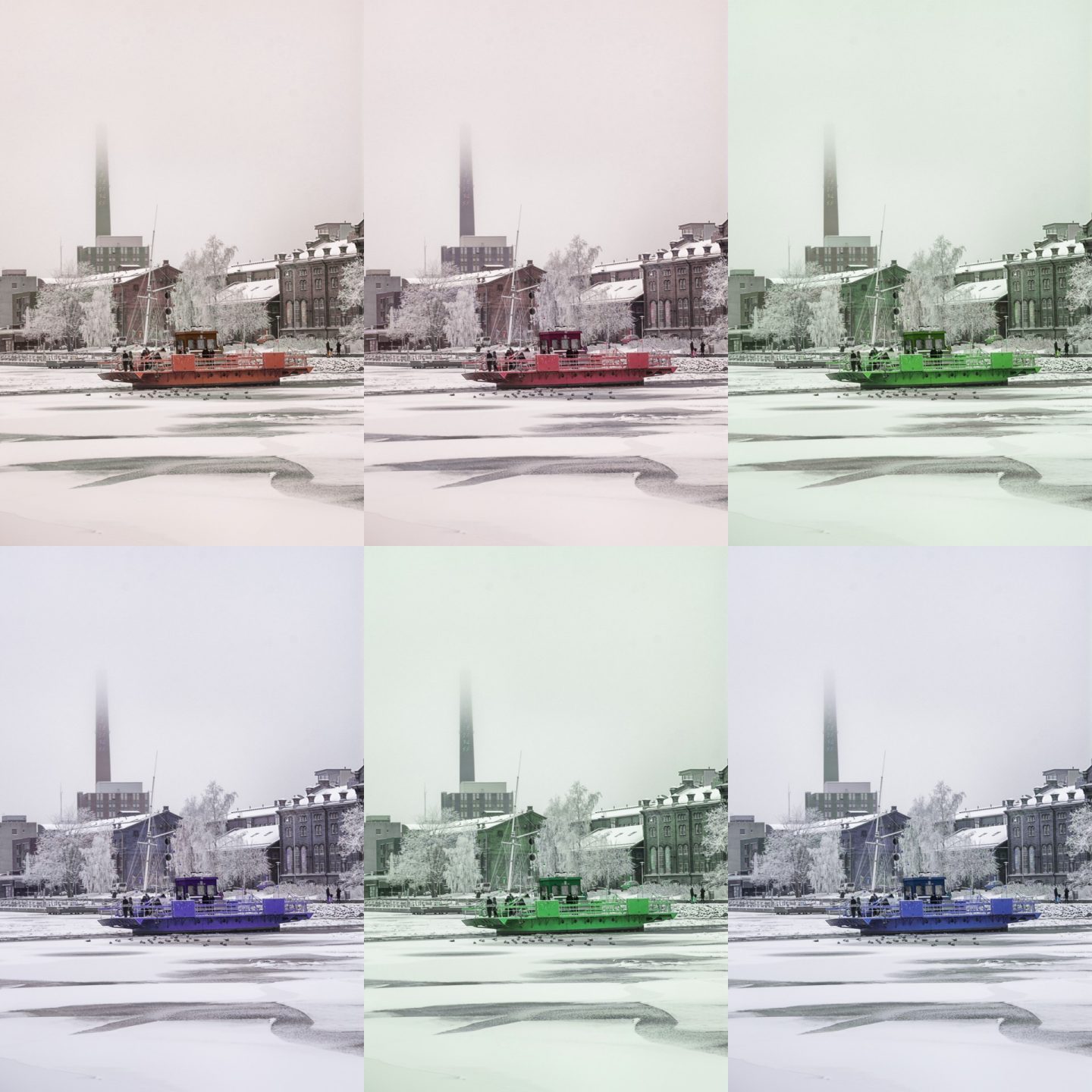
Sorting RGB values
Background
I heard of pixel sorting and glitch art sometimes last year. It sounded interesting and something a guy with programming background could try. And I did try. Results weren’t that impressive, but I have to admit I didn’t do proper research on the subject. I used Netlogo on my tests and I just sorted pixels, I didn’t analyse areas of the image first.
As my mind usually does it wondered to other paths and I thought of sorting RGB values of pixels. There was just one big problem; Netlogo uses huge amounts of memory and it was practical only to quite small sized images, so I needed another tool. For a while I was exited about scripting Photoshop, but at least CS6 version doesn’t seem to offer easy (or any) access to pixels. Silly me, I should have known and checked Processing straight away. It does have all that I needed: simple functions to load, create and store images, easy access to pixels and RGB values and it manages a 12000 by 12000 pixel image just fine.
Sorting RGB

Idea was simple enough, find witch value is biggest, smallest and the middle one of a pixel. Then reorder them so that R always has the biggest value, G the middle on and B has lowest value. Or any other combination of RGB, so there are six different combinations in total. It’s a bit painstaking to create and compare all six versions separately so I made a bit more code and combined all six variants to a same image file. And that created the surprise side effect: Picture reminded me quite a lot of Andy Warhol’s screen prints. I tried out about twenty photos. You can find more examples at my twitter account.
I dont’t think I was first to try RGB sorting, but on the other hand I haven really found other examples from the Internet yet. Please send me a message if you know others that have done it before.
The program
The program has about 70 lines of code. I will clean it up a bit, streamline the part that finds order of RGB values and publish it here for others to try out.
What Next?
Next I will do a function that gives pixels of an image in random order to mimic Netlogo’s built in patch related collections. An array of pixels (or locations of pixel) will enable me to try other sorting stuff with pixel and it’s surroundings. I don’t want to go through pixels in order. It will also make each run a slightly different when change effects to surrounding pixels. Stay tuned for an update!